If you’ve ever wondered how to apply for an IPO using Upstox, you’re in the right place. The process is actually quite simple and user-friendly, especially if you’re already familiar with the Upstox app.
Whether you’re a first-time investor or someone who’s been around the block, Upstox makes it easy to get started with IPOs, so you can take part in some of the most exciting investment opportunities.
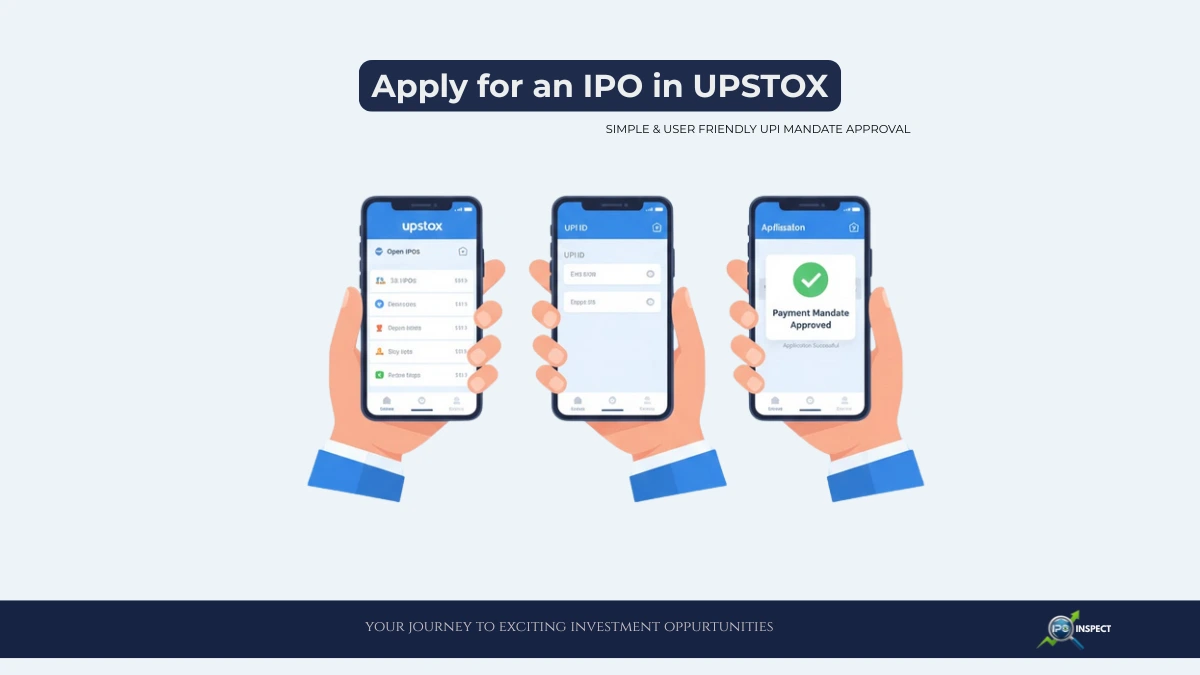
Steps to Apply for IPO in Upstox
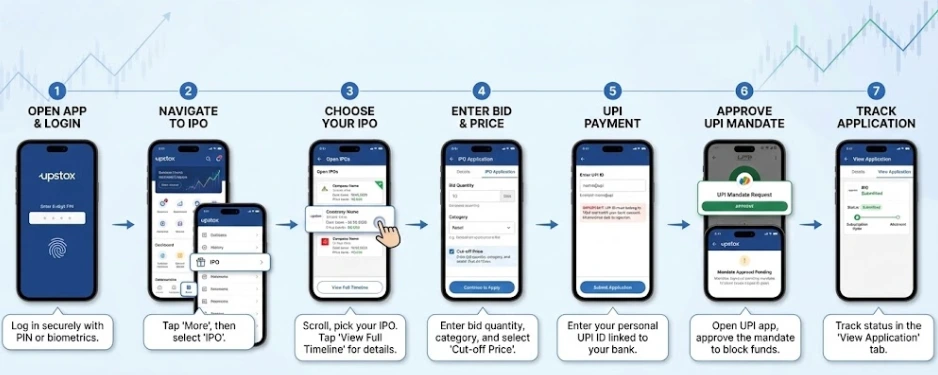
- Open your Upstox app and log in with your 6-digit PIN or biometric authentication.
- Head to the More tab at the bottom of the screen
- Tap on IPO. See a list of all the IPOs currently open for subscription, similar to live and upcoming IPOs in India, you track across the market.
- Scroll through the list and choose the IPO you want to apply for.
- Tap Apply Now to get started. If you want to know more about the IPO, you can also click View Full Timeline for detailed information, including important dates and price bands.
- Enter your bid quantity, select your category, and choose whether you want to bid at the cut-off price or a specific price within the band.
- Once everything looks good, hit Continue to Apply.
- Now, enter your UPI ID linked to your bank account.
- This is crucial – make sure the UPI ID belongs to you and matches your bank account. The IPO application may rejected if a different UPI ID used.
- Click Submit. After submitting your application, you’ll see a UPI mandate request.
- Open your UPI app (Google Pay, PhonePe, etc.) and approve the mandate to block the required funds. This step is essential for your application to be valid and helps you avoid common UPI mandate errors in IPOs.
- Once the mandate approved, you can track your application status in the View Application tab. You’ll get updates on the subscription timeline and allotment status right within the app.
Important things to Remember
- Non-Market Hours: The Apply button available during non-market hours for the first two days, but the UPI mandate only processed during business hours (10 AM to 5 PM) which is important if you plan to apply for IPOs after market hours.
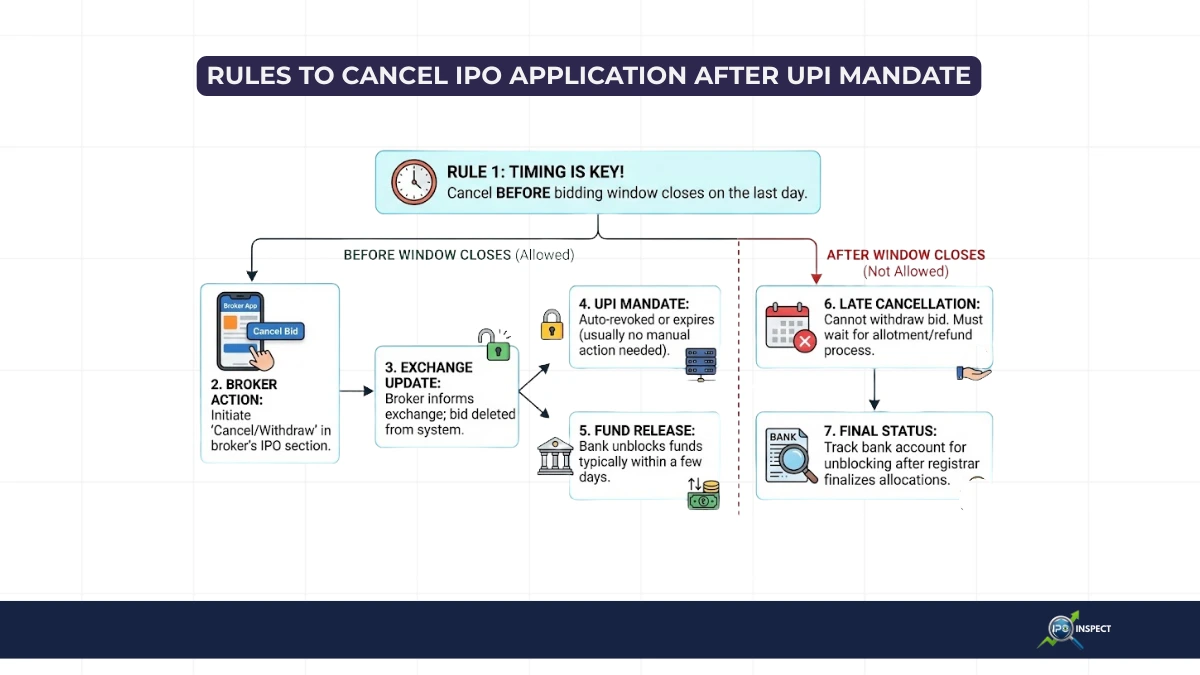
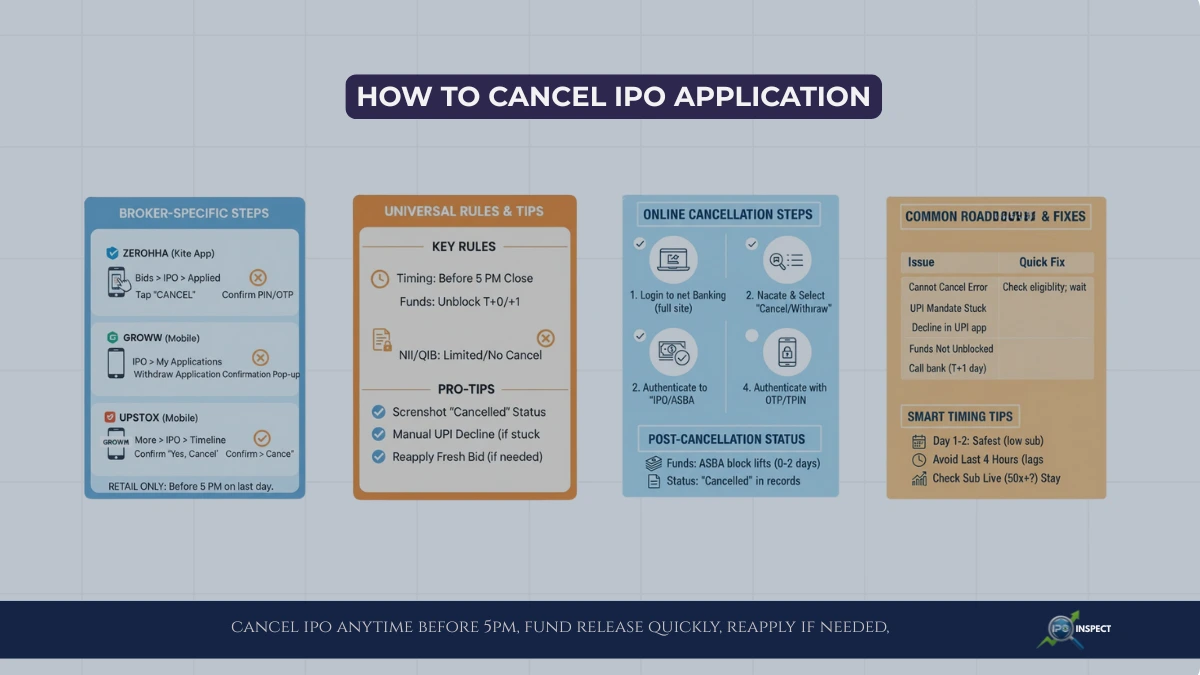
- Mandate Deadline: Make sure to approve the UPI mandate before 5 PM on the IPO closing day.
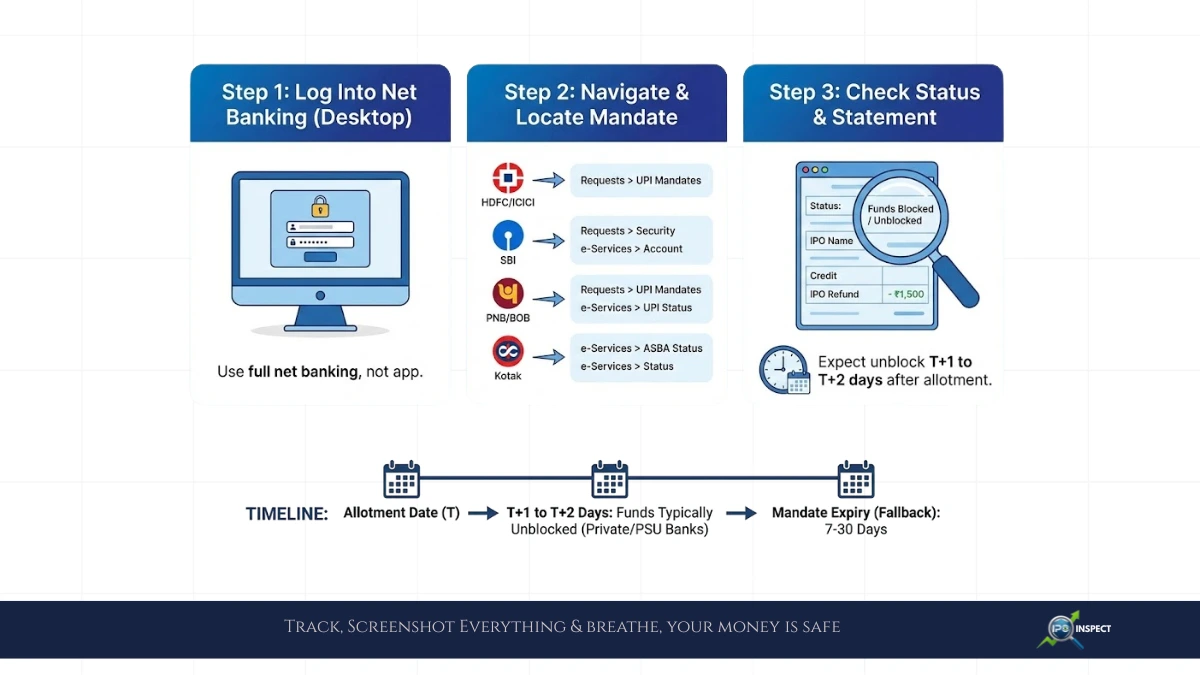
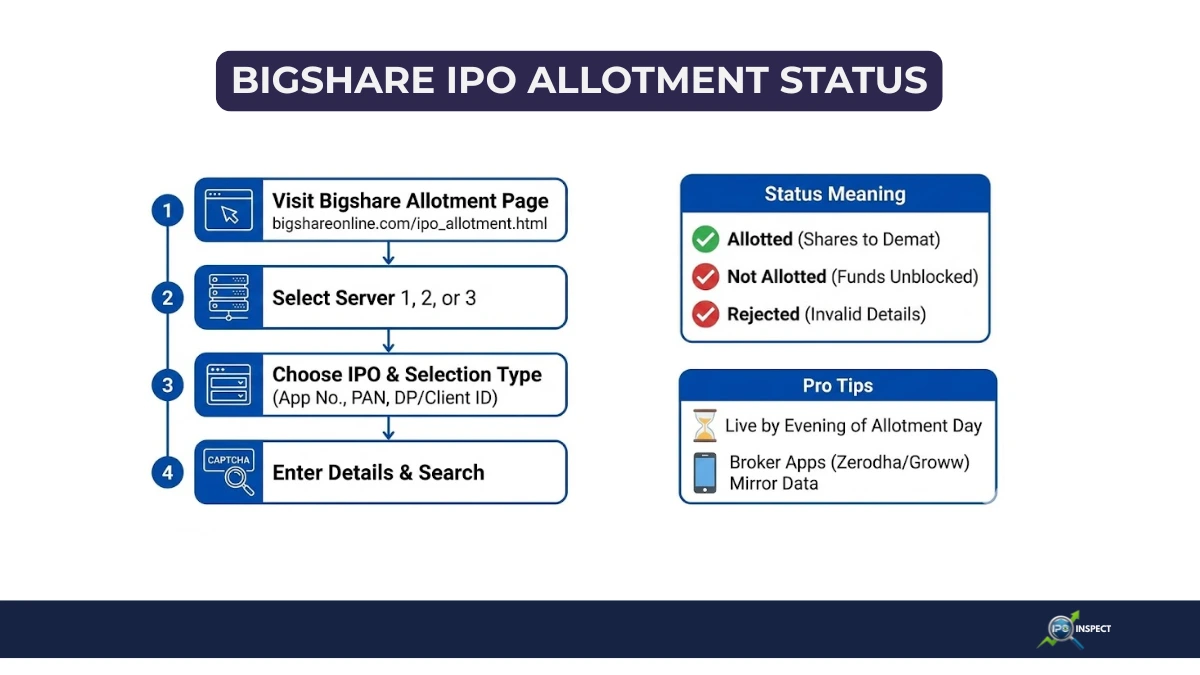
- Refunds: If you didn’t get shares allotment, your blocked amount may automatically released to your linked bank account within 10 days or by the mandate expiry date, , and you can check your IPO refund status online for confirmation.
Why Upstox Makes IPOs Easy
Upstox stands out for its intuitive interface and real-time updates. You can track your application, check timelines, and get notifications without any hassle. Plus, with zero brokerage on IPO applications, it’s a cost-effective way to invest in new issues.
Applying for an IPO on Upstox is straightforward process that designed to be hassle-free. Just follow these steps, keep an eye on the timelines, and you’ll be well on your way to participating in the next big IPO.
Whether you’re a seasoned investor or just starting out, Upstox makes it easy to get involved and to stay inform.