Ever applied for a hot IPO, didn’t get IPO allotment, and now you’re staring at your bank balance wondering when those blocked funds will show up again?
You’re not alone, tracking blocked funds release for IPO applications can feel like waiting for paint to dry.
Most banks show this in your net banking portal under ASBA/UPI mandates, and here’s exactly where to look and what to expect if you applied through the ASBA facility in IPOs.
Why Funds Get Blocked (Quick Reminder)
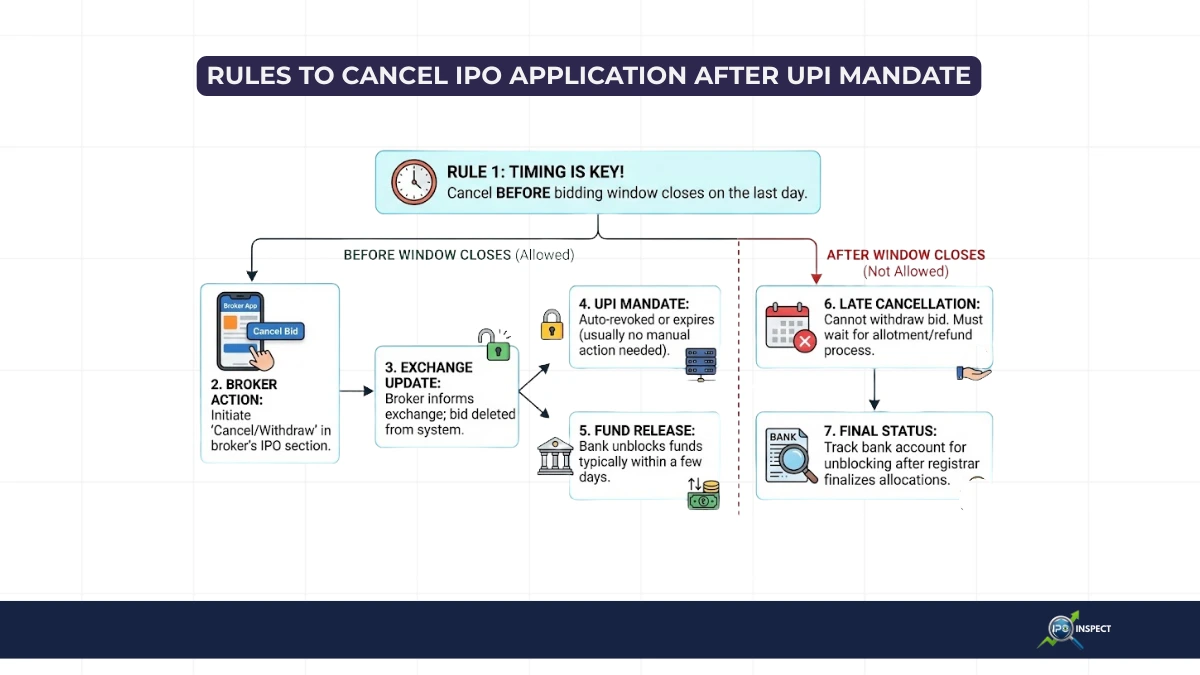
When you apply via ASBA or UPI, your bank puts a hold on the IPO bid amount, not debited, just frozen until allotment. Allotted? It debits. Not allotted? The block lifts automatically. But timing varies by bank, and some make you hunt for status.
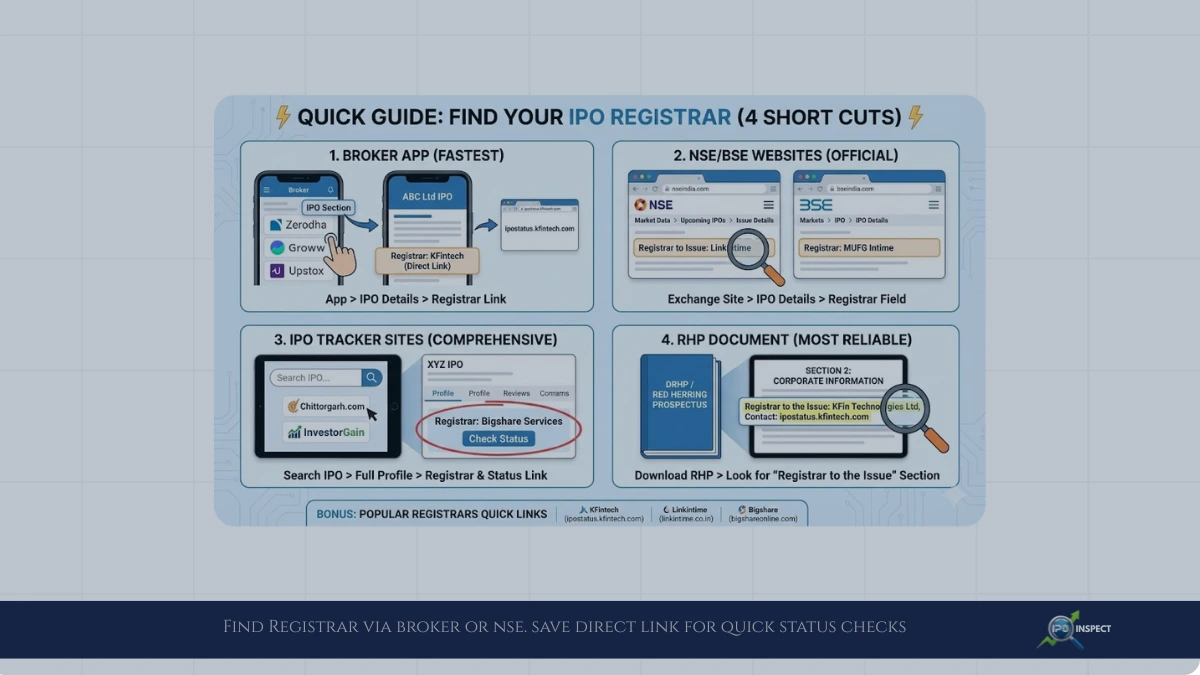
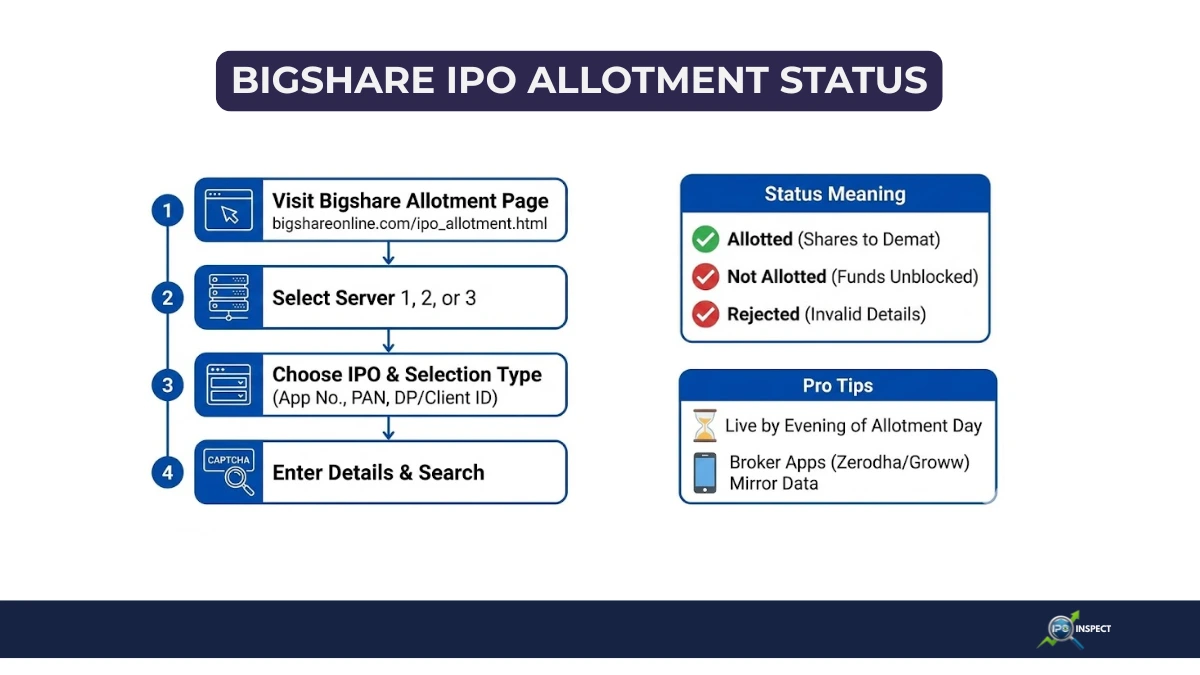
If you’re still waiting for updates on your shares, you can also cross‑check directly through IPO allotment status with registrars alongside your bank mandate.
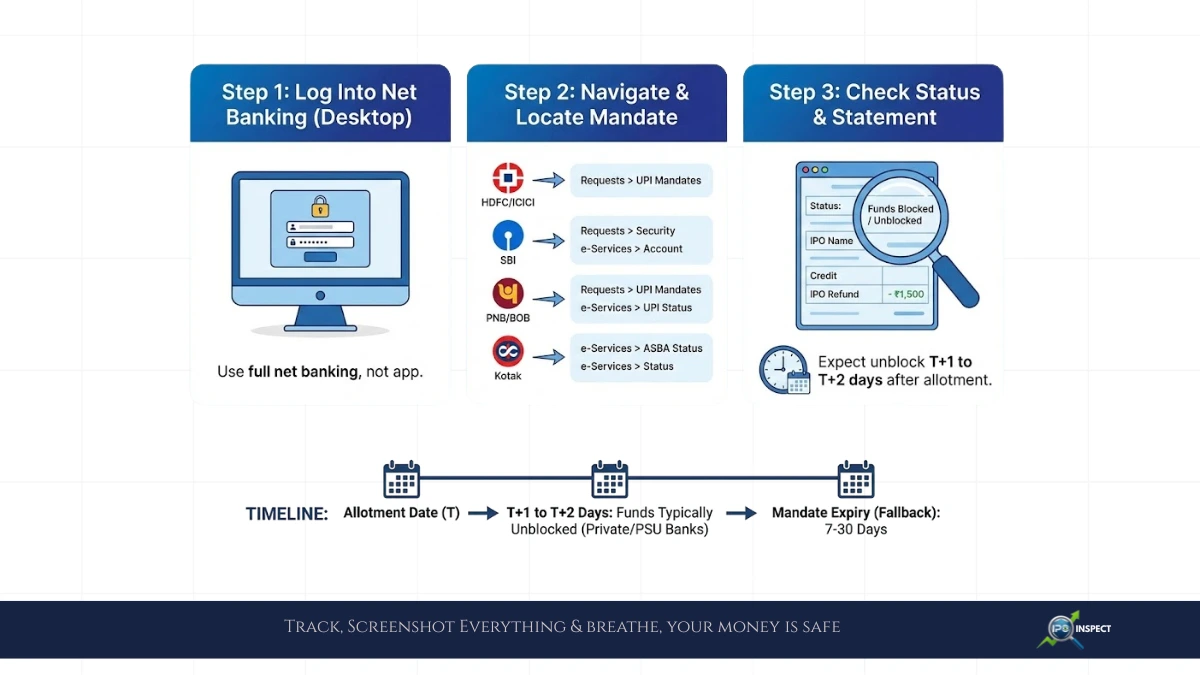
How to Check Bank Portal for IPO Fund Release
1. Log Into Net Banking (Not App): Most accurate data lives in full net banking, not mobile apps, especially when your IPO application was placed using an ASBA IPO mandate. Use desktop/laptop for complete mandate views.
2. Navigate to the Right Sections: Different banks label it slightly differently, here’s the common path:
| Bank Category | Where to Look |
|---|---|
| HDFC / ICICI / AXIS | Requests & Transactions > UPI Mandates or ASBA Status |
| SBI | e-Services > UPI Mandate or ASBA Applications |
| PNB / BOB / Public | Pending Transactions > Blocked Amount or IPO/ASBA |
| Kotak / IndusInd | Fund Transfers > Pending Mandates |
3. Spot Your IPO Mandate
Look for entries showing:
- Status: “Pending”, “Funds Blocked”, “Unblocked”, “Refund Initiated”
- IPO Name/Symbol in description.
- Mandate End Date (key funds auto-release by this).
- Amount matching your bid.
- Application or IPO mandate ID that matches the details on the broker or registrar portal.
4. Check Account Statement Too
Even if mandate shows “blocked,” scan passbook / net statement for:
IPO Block - XYZ Ltd - Rs. X,XXX
When unblocked, it either disappears or shows an IPO refund credit entry, matching the amount you see when you track IPO refund status through your broker or registrar.
Typical IPO Mandate Release Timelines by Bank Type
| Bank Type | Auto-Unblock After Allotment | Mandate Expiry Fallback |
|---|---|---|
| Private (HDFC / ICICI) | T+1 (next day) | 7-15 days |
| SBI / PNB | T+2 | 15-30 days |
| Newer Digital | Same day | 10 days |
T = Allotment date.
If an IPO closes on Dec 20 and allotment happens on Dec 25, expect unblock around Dec 26–27 for most banks, in line with typical IPO cycle stages from bidding to listing.
When Banks are Slow and What to do to relase IPO Mandate
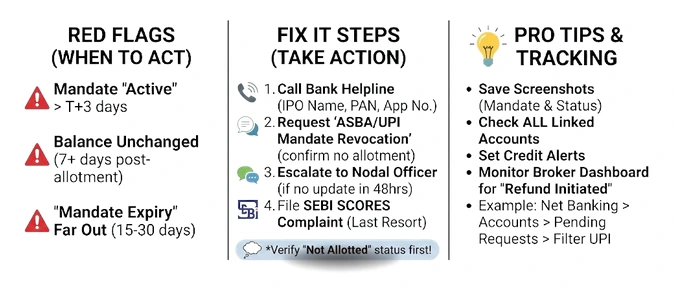
Red Flags:
- Mandate still “Active” past T+3
- Balance unchanged 7+ days post-allotment
- “Mandate Expiry” far out (15-30 days)
Fix It:
- Call bank helpline with IPO name + PAN + application no.
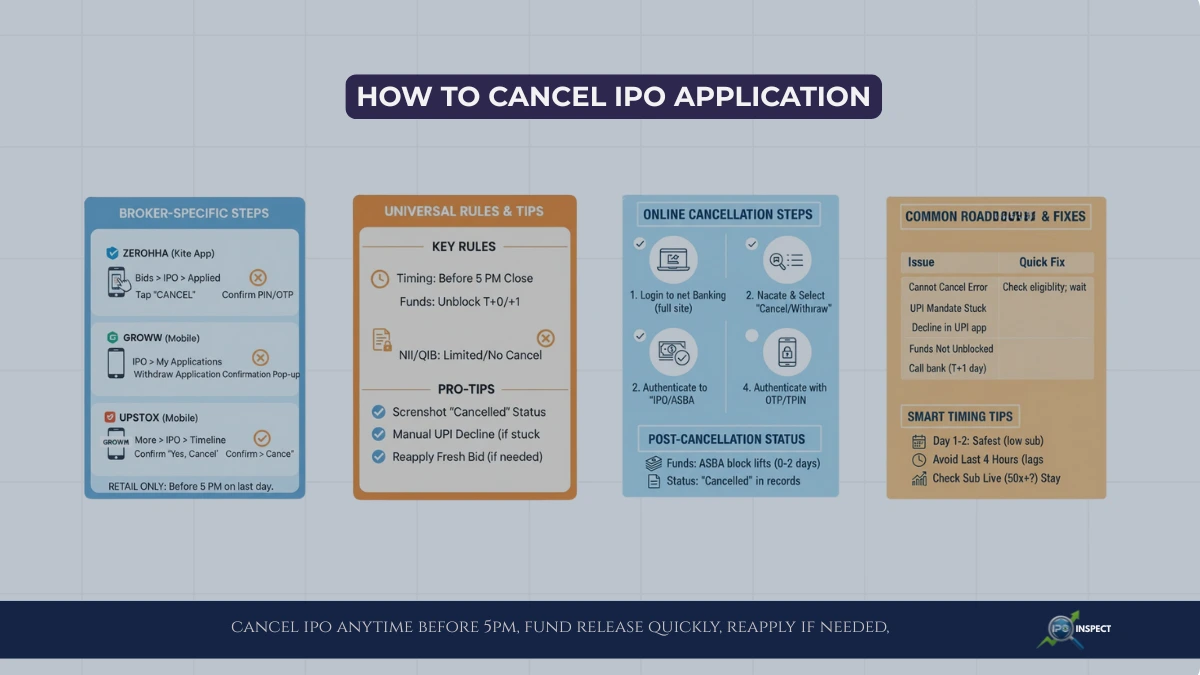
- Ask specifically for “ASBA/UPI mandate revocation” since no allotment.
- Escalate to nodal officer if no movement in 48hrs.
- File SCORES complaint with SEBI as last resort (rarely needed).
- Before escalating, also ensure the registrar shows no allotment or refund initiated when you check with registrar like KFintech IPO allotment status online.
Pro Tips for Faster Tracking
- Save screenshots of mandate creation plus IPO allotment status (“not allotted”), so you can share both with the bank if the block isn’t released.
- Multiple accounts? Check ALL UPI/ASBA linked accounts funds return to source.
- Broker dashboard often shows “Refund Initiated” before bank reflects.
- Set alerts for credits matching your bid amounts.
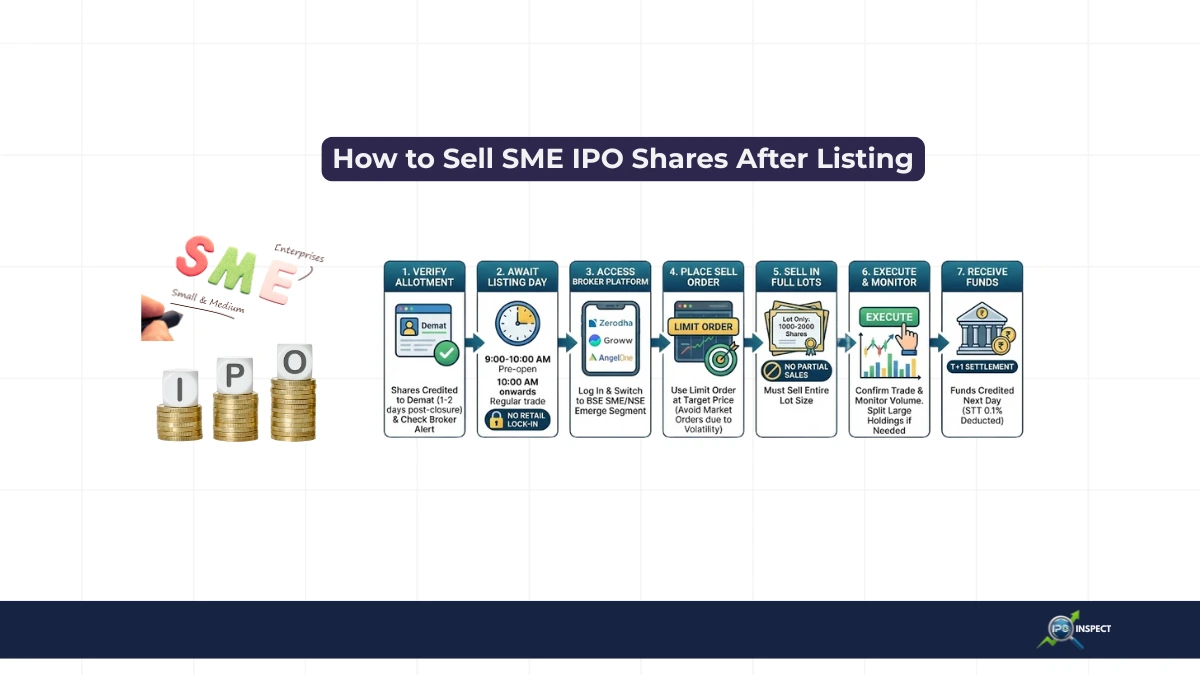
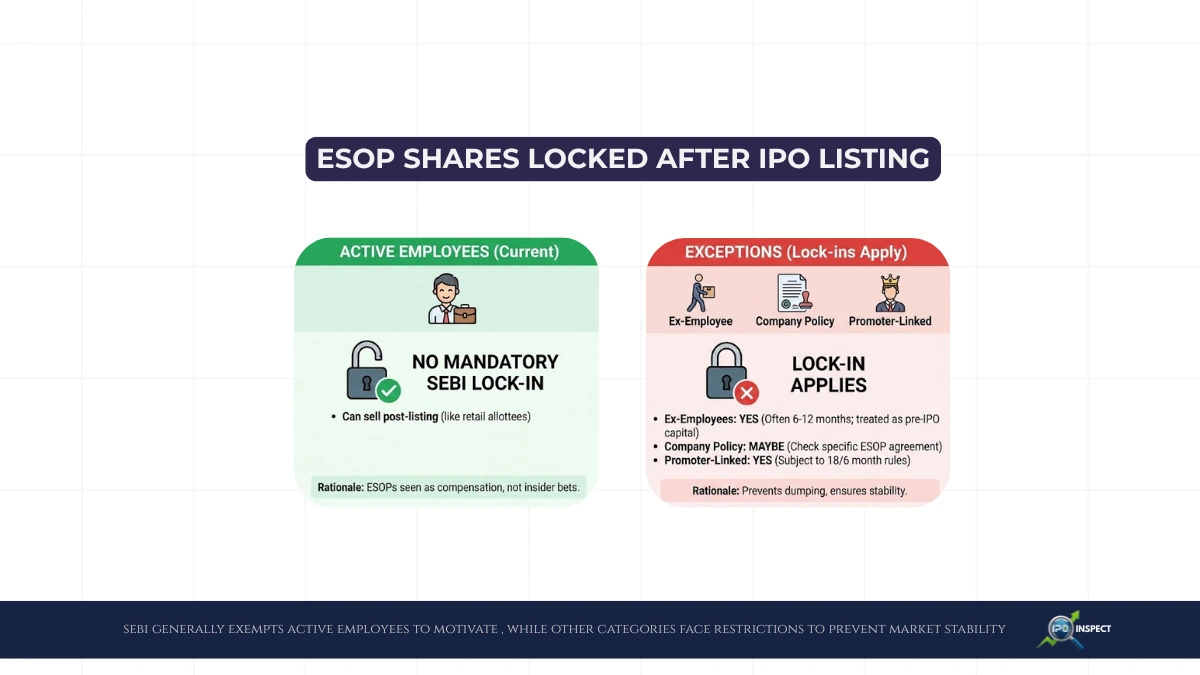
- If you regularly apply in SME issues or employee quota, remember that selling or exiting later may involve separate rules for SME IPO shares and employee category IPO allocations.
Example: HDFC Net Banking Walkthrough
- Login > “Accounts” > “Transaction History”
- Filter “Pending/UPI” > Find “IPO Mandate – ABC Ltd”
- Status shows “Funds Released” or “Refund Credited”
- Balance updates within 30 mins of release.
Track blocked funds release for IPO applications by hunting UPI / ASBA mandates in your bank’s net portal under “Requests” or “Pending Transactions.” Expect T+1 unblock for most, chase your bank if mandate lingers past a week. Screenshot everything, and breathe, your money’s safe, just temporarily parked.